An enquiry becomesa card on a board,not mail in an inbox.
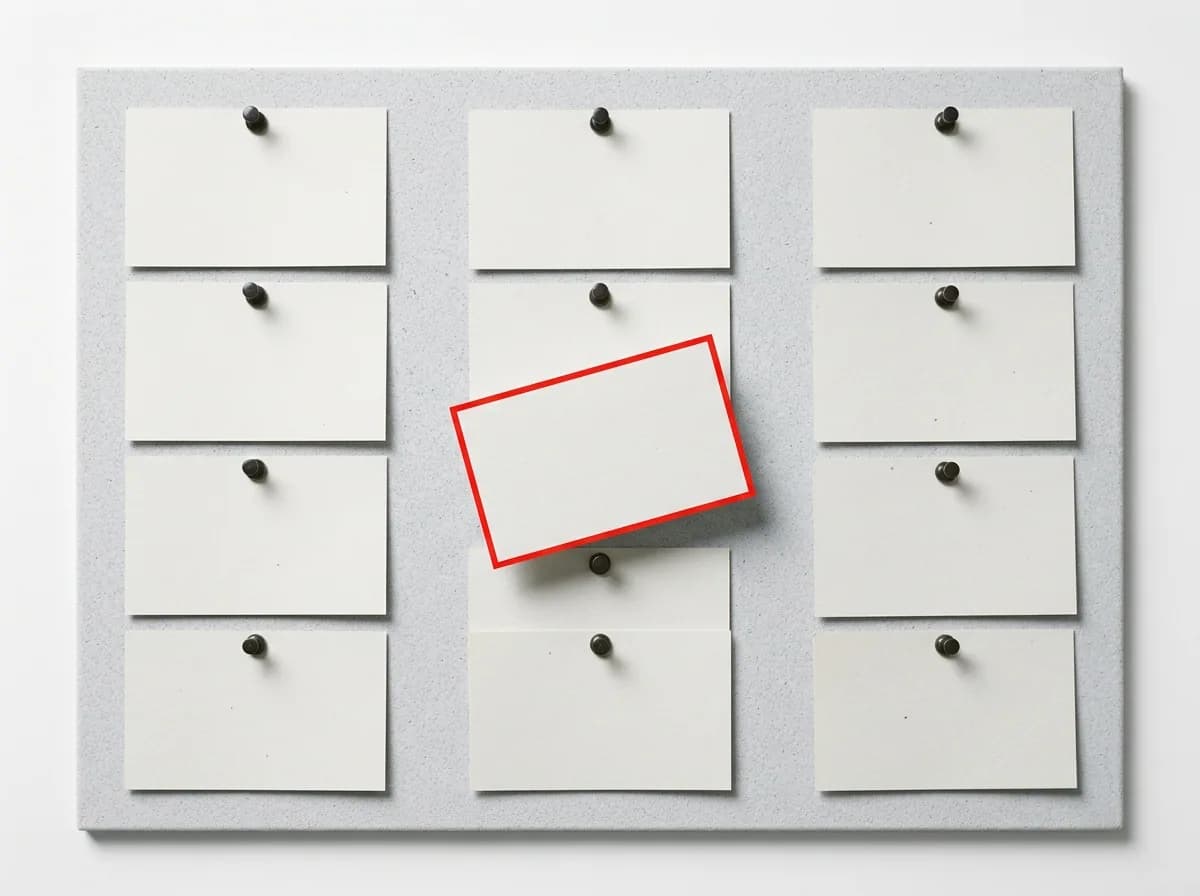
Every form on your site writes to a kanban board inside the admin panel. The card names the section and the page the visitor came from, and a second enquiry from the same number opens a second card instead of overwriting the first.
5
kinds of enquiry, each with its own board and pipeline
0
enquiries collapsed as duplicates
2
views of the same records: board and table
Four facts that are easier to check than to describe
5
kinds of enquiry
Contact message, order, product request, booking and review — each gets its own board
2
columns you cannot delete
New and Completed are pinned to the two ends; everything between them is yours to invent
0
enquiries collapsed as duplicates
We dropped the fingerprint column from the database: a second message is a second lead
26
ready-made sites with a form
In every themed site the form sits in at least two sections, not only in the footer
What you can see without opening the enquiry
The hard part about incoming enquiries is not that there are few of them — it is that they all look the same: a name, a number, "hello, I'm interested". The card on the board answers the second question: which part of the site produced it.
The section and page the person came from
The card says "Pricing · Page “Home”", not a block identifier. The section icon is the one you know from the builder, so provenance registers at a glance. After a week it is obvious which two blocks bring in everything and which ones are just sitting there.
Who wrote, and what they wrote
A name or a contact in the title, the opening of the message a line below. Phone and email sit as separate chips, so a card can be found by eye without opening it.
What the visitor picked in the section itself
If the enquiry came from the pricing block, the chosen plan and its price arrive as their own fields. From a product card, the item name comes along. The face of the card shows the first few; the record shows all of them.
Chips the kind of enquiry puts there itself
A rating on a review, an amount on an order, the requested date on a booking. The board invents no chips: each kind decides which one or two facts make its own records scannable.
When it arrived
The time it came in, not the time you finally opened the admin panel. The New column is a queue, so anything sitting there for three days is visible immediately.
The same record the table shows
The card opens exactly the record the table view opens. Not a "board version" and a "report version", but one object in two views.
From the send button to your own column
Five steps, and the order is real: each one is only possible because the previous one happened.
A visitor submits a form
A contact form, the pricing block, a product card, a booking slot — any of them. The site does not ask the visitor where it should land: the form already has an address.
The message is accepted
The message is stored as its own lead
Nothing is compared against earlier records — not the number, not the text, not the timing. The column that used to hold the fingerprint of a repeat submission no longer exists in the database.
Its own row
A card appears in the New column
If this kind of enquiry has never had a board, both system columns are created at that very moment. There is no empty, column-less board in which the first enquiry looks like data loss.
A card on the board
A block identifier turns into a human line
The enquiry stores the identifier of the component that rendered it. On its own it means nothing; when the board renders, it becomes "Section · where it sits". If the section has since been deleted, the card stays — just without the line. That is a normal outcome, not an error.
You know what actually worked
You drag the card through your own columns
With the mouse, between columns you named. Two simultaneous attempts to move the same card do not overwrite each other — if two people work the enquiries, that shows up in the first week.
You can see where the pipeline stalls
How the source reads on a card
Five boards, because these are five different conversations
An order and a review are not one entity with a different status. Each kind has its own board, its own pipeline and its own chips. Some kinds arrive together with the part of the site that produces them: the catalogue, bookings, reviews.
A second message from the same person is the second customer in the queue, not a duplicate to be swallowed.
A repeat submission within fifteen minutes used to disappear: the system read it as an accidental double click. In practice that is how real orders were lost — the same person added another item, asked about a different service, sent a correction. The owner saw one card and assumed all was well. We removed the merge window from all five kinds of enquiry and dropped the database column it was computed from.
What the board does, and why it beats a bolted-on CRM
The enquiry board already sits inside your site and comes with the subscription, from 12 800 ₸ a month. There is no separate CRM invoice, no separate rollout and no integrator — an enquiry reaches the board the same second the visitor presses send.
It does
Checkable on any site on the first day of the trial
- Puts every enquiry into the New column as a card the moment it is sent
- Names the section and page the enquiry came from
- Lets you drag cards between columns with the mouse
- Lets you add, rename and reorder your own columns between New and Completed
- Moves a deleted column's cards into whichever column you choose
- Switches between board and table — two ordinary URLs you can share
- Keeps filters, sorting and bulk actions in the table view
- Sends mail to the address you set, if you set one
It beats a separate CRM
The things you pay for twice in a "site plus external CRM" setup
- Included in the subscription from 12 800 ₸ a month — no separate CRM invoice
- Zero rollout: the forms on the ready-made sites are wired to the board on day one
- No script, no webhook, no import — the enquiry is already in your admin panel
- The source of an enquiry is visible without UTM tags or external analytics
- Board and table are two ordinary URLs you share as a link
- Mail to your address goes out in addition, up to 200 messages per inbox per day
- Repeat enquiries are never merged — no order ever disappears quietly
Columns, cards and the parts you cannot break
The pipeline is yours to shape, but its two ends are pinned — otherwise the board eventually loses its beginning or its end, and an enquiry has nowhere to land.
The pipeline
The card
What people ask about enquiries
Short, with figures, and without "boost your conversion".
Send yourself an enquiry and see what lands on the card
A 3-day trial, no card required. Enough to build a site, send a couple of enquiries from different sections and see how they differ on the board. After that the site and its enquiry board run from 12 800 ₸ a month.
- A technical your-name.shardit.app address is issued immediately
- The form and the enquiry board work from the first minutes
- The board is part of the plan: landing 12 800 ₸/month, corporate site 14 700 ₸/month
- Nothing is charged before the trial ends
Read next
Neighbouring sections that answer the question this one raises.