A school and course website:programmes, timetable,trial-lesson booking
A ready-made school or course website is built for the way a parent actually chooses: on a phone, with two competing schools open in the next tabs. The sections cover that quick scan: programmes with levels, teachers with real qualifications, a group timetable, fees and one button — book a trial lesson. You edit it yourself, including in the last week of August when no contractor is answering.

26
ready-made sites — take the closest and rework it
35
kinds of section: programmes, timetable, teachers, reviews
from 12 800 ₸
a month for the finished school site — the price is stated up front
3 days
free trial, no card, address issued immediately
Four people open the same website
Three from outside, with different questions and different reading speeds. The fourth from inside — and whether the timetable is still correct in October depends entirely on them.
Not an abstract «turnkey site», but a specific set of things
26
ready-made sites in the catalogue
Take the nearest in spirit and rework it for your school — you do not start from a blank page
35
kinds of section in the builder
Programmes, timetable, teachers, FAQ and the booking form are assembled as blocks
19
tools the AI assistant has
The AI assistant is included in the subscription — it edits the site from plain instructions and always waits for your approval
3
site languages
ru / kz / en — each with its own copy, not a machine translation of its neighbour
Six blocks a parent builds a decision out of
The order is not decoration; it repeats the order of the questions. What you teach → who teaches it → when and how much → how to try it → what comes out of it → what to do with any doubt left.
Programmes and levels
A catalogue structured as subject → level → group, not a list of six lines. English A1 for seven-year-olds and English B2 for adults are separate cards with different fees, different lengths and different teachers. A parent finds theirs in one click instead of reading everything.

Teachers
A card with a photograph, qualifications, years taught and certificates. It is the first thing a parent opens, and the only place where one school genuinely differs from another.
Timetable and fees
Days, times, the group's age band and how many places are left. You set the fee, in your own unit — per lesson, per month or per course: the site does not impose one.
Trial-lesson booking
The form sits beside every programme, not only at the foot of the home page. The enquiry lands on a kanban board, and the card names the page and section it came from — at the peak of enrolment that is the difference between a pile of identical enquiries and enquiries already sorted by programme.
Student results
A section for your own figures: scores, certificates, university places, finished work. We provide the block — you write the results, because we have none of yours and will not invent any.
Answers for parents
An FAQ on missed lessons, rescheduling, refunds, group size and the contract. These questions get asked either way — on the site, or by phone to your administrator, over and over.
Six questions the site answers before the phone rings
If the answer is not on the page, a parent does not ring to ask — they open the next tab. Run your current site against this list.

Who actually runs this group?
Not «a team of professionals» but a name, a photograph and a qualification. A parent hands a child to a person, not to an organisation.
What does the whole thing cost?
A per-lesson figure says very little: people count a term or a course. Show the unit you actually work in and state the length — then there is no awkward conversation in week two.
When, and how often?
Days, times, lesson length and whether the group fits around school. Without those, a booking turns into several messages back and forth.
And what if the child does not enjoy it?
A trial lesson removes half the objections — but only if it is visibly an ordinary lesson in a real group rather than a staged demonstration.
Why you rather than the school across the road?
Adjectives do not answer that. Group size, what the fee includes, how the course ends and what the student walks away with do.
Where do I write, and when will you reply?
A phone number, a messenger, the branch address and a realistic response time. «Within the day» beats nothing, and it beats «instantly».
How to be ready for enrolment, not for mid-term
The steps run in this order for a reason: you need the address before the programmes, the programmes before the timetable, and the domain goes last because delegation runs at its own speed and must not hold the rest up.
Open a ready-made site on its technical address
Pick the theme closest in spirit and the site is immediately reachable at an address like your-school.shardit.app. No card is required — the trial runs three days.
A site that opens in a browser
Enter the programmes, levels and age groups
You map your subjects onto the catalogue's structure. This is the longest part — not because the interface is hard, but because many schools are writing their own curriculum out explicitly for the first time.
A course catalogue on the site
Add teachers, the timetable, fees and the booking form
Teacher cards, group days and times, your own pricing unit, and a trial-lesson button beside every programme. This is also where you check what the first enquiry looks like on the board.
A working trial-lesson booking
Connect your domain and open enrolment
The technical address gives way to your own domain. Delegation takes up to a day — that is DNS speed, not ours, which is why the step sits last and blocks nothing.
The site on the school's domain
What brings people to you from search
Calm, legible, and built for a phone
Most parents open a school's site in the evening, on a phone, between other things. So the theme uses large type, a short first screen and a booking form you do not have to scroll to find. Colours, fonts and photographs are yours to change — the theme sets the structure, not your identity.
The first screen answers: what school, for whom, and how to book
A programme card fits one phone screen
The timetable reads as a table, not a screenshot from a messenger
Booking forms sit beside the programmes, not only in the footer
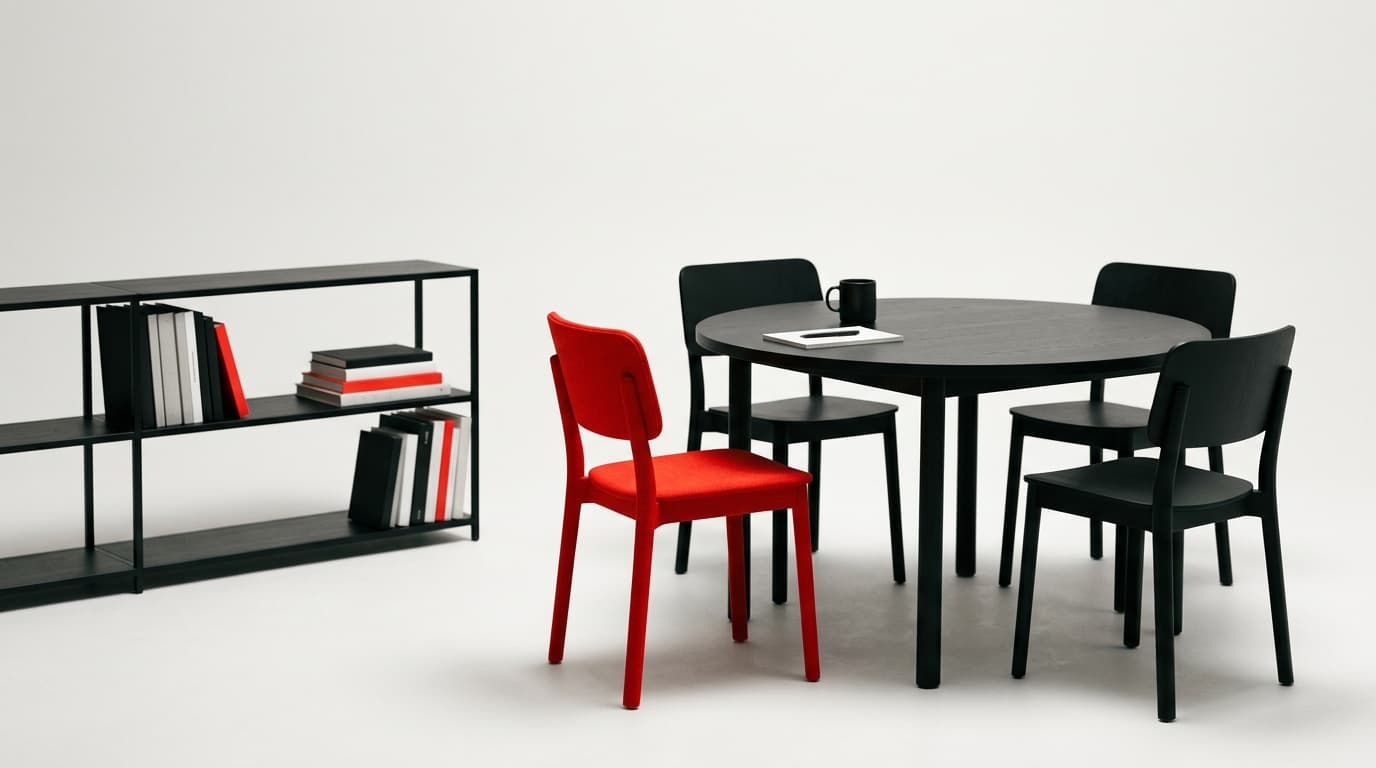
A parent does not choose a school by its website — they use the website to cross off the ones with no timetable, no fee and no teacher's name.
So a ready-made school site is not built as a presentation with a mission and values. It is built as four answers in a row: who teaches, when, how much, and how to try it. Everything else has a right to be on the site — further down.
What a training centre gets in the subscription, and what it does not
A school site covers enrolment: programmes, teachers, timetable, fees and trial-lesson booking. Attendance and registers stay in your management system and run alongside it — the boundaries are listed below, before you pay.
Included
Works from the first minutes, with no custom development
- The AI assistant is included in the subscription: 19 tools, nothing applied without your approval
- The whole site: programmes, teachers, timetable, fees, contacts
- A trial-lesson booking form beside every programme
- Enquiries on a kanban board; the card names the source page and section
- A repeat enquiry from the same parent is never merged into the first
- Three site languages, each with its own copy
- An editor for programmes, timetable and fees — edits without a developer
- Your own domain, the editor and platform updates without a developer
Not included
The boundaries are named before you pay, so you budget once
- It does not replace a school management system: attendance, registers, teacher payroll
- It does not run a student portal with homework and marks
- It does not deliver online lessons or embed a video platform
- It does not take tuition payments on the site — the parent leaves an enquiry; the contract and the invoice stay yours
- It does not write your curriculum, and it does not invent student results
- Anything non-standard — auto-marked tests, exchanging data with your management system — is built by our studio as a separate project, from 1 500 000 ₸ on a fixed quote
The specifics people normally establish over email
The three things asked about most: the catalogue, the enquiries and the launch.
Course catalogue
Trial-lesson enquiries
Launch and domain
What schools usually run on — and where it gives way
Enrolment lasts two weeks a year, and in those two weeks the site has to be finished rather than in progress. Below: what each option costs, and where it stops coping once you have more than ten groups.
| A ready INIT site | Instagram and WhatsApp | A landing page builder | A bespoke build | |
|---|---|---|---|---|
| What it costs to start | 12 800 ₸/month | An advertising budget | A plan plus apps | From 1 500 000 ₸ |
| Live minutes after you decide | 1–3 days | |||
| A programme catalogue with levels and a timetable, already built | Designed to order | |||
| The enquiry names the programme it came from | by email | if commissioned | ||
| Found in search for «language school website» | one page | |||
| Three languages with separate content, at the same price | each language quoted separately | |||
| Timetable edits in late August without a developer | designed to order | |||
| 26 ready themes plus your own colours, fonts and photographs | drawn from scratch and billed separately |
The 12 800 ₸-a-month subscription covers the school site in full — programmes, teachers, timetable, fees and trial-lesson booking. A fully bespoke design and non-standard logic such as self-marking tests are built by our own web studio on a fixed quote: a landing page from 1 500 000 ₸, a corporate site from 3 000 000 ₸, a portal with an account area from 8 000 000 ₸.
A school site lives by the academic year
Four moments when the site has to change within an evening. That is the real reason to keep the editor in your own hands rather than an agency's.
August — enrolment
New timetable, new groups, booking open. The heaviest edit of the year, and the most urgent.
October — topping up
Some groups are short: you change the places left and move those programmes up.
January — second intake
New groups mid-year, and part of the cohort moving up a level.
May — summer intensives
A different format, a different timetable, a different audience — seasonal pages.

What gets asked before anyone tries it
Direct answers to what gets decided before the first group starts.
Build the school site before enrolment starts
Three days free with no card, then from 12 800 ₸ a month. Three days is enough to enter the programmes, set the timetable and see what the first enquiry looks like on the board.
- A technical address like your-school.shardit.app, issued on sign-up
- Three days of trial, no card and no charges
- A person reads your enquiry: we will help you move your programmes and timetable across
Read next
Neighbouring sections that answer the question this one raises.