Website security:your own databaseand https from minute one.
Website security here rests on things you can check rather than on badges: every site gets its own database and its own file directory, https is on from the first minute — on the technical address and on your own domain — enquiries land in your admin panel, and a missed payment closes a site rather than erasing it.
https
on every page of the site and on the admin login
Own database
per site — customer data is never pooled
0
data deleted on the day a payment fails
0 ₸
for SSL and updates — all in the plan from 12 800 ₸/month
What people ask before launching
Six things that hold a site up — and every one can be checked by hand
Checking takes five minutes: open the padlock in the address bar, see where enquiries land, and ask what happens to the neighbouring site's database. All six come with the subscription from 12 800 ₸ a month — security never arrives as a separate invoice.
Every site gets its own database
Different customers' sites do not share a table. Creating a site creates a separate database and a separate file directory, and a request arriving at your address only ever works inside them. That is why no "all enquiries from all customers" list exists here — there is nothing for a mistaken filter to leak.
https from the first day
The technical address is issued immediately and already opens over https; the certificate is issued and renewed on our side. There is no "enable SSL" checkbox in the admin panel — there is nothing to enable, it is already so.
The server, the database and the files are our responsibility
If something falls over on our side, we are the ones who put it back: no on-call rota at a hosting panel, no sysadmin on the payroll, no incident invoice for you. Keeping original photographs and important copy yourself is still worth doing — that is sensible practice on any platform, ours included.
Enquiries land in your admin panel, not in someone else's inbox
A form on the site writes straight into your site's kanban board, and the card names the page and the section the person came from. A repeat enquiry from the same customer is never merged into the earlier one and never dropped: writing twice means waiting for an answer twice.
An account belongs to one site
Your admin login opens your admin panel and nothing else. There is no owner-level login that spans every site on the platform.
We do the updating
Versions, dependencies, the server side, certificate renewals — our work. You never have to track engine and plugin updates or worry about missing one of them.
Who can change what — and what keeps strangers out
The admin panel is the single place anything a visitor sees gets changed, so getting in is narrow and predictable: one site, one access; no public password-reset form; and our engineer sees your site in view-only mode by default.
How access works today
What keeps strangers out
Five steps on which your site stays intact
The common fear sounds like "I'll be late once and lose everything". On this platform that cannot happen: three days of grace first, then a closed door — and at no step is the site's content deleted.
A payment fails and the site keeps running
On the day itself nothing happens: the site is open, the panel works, enquiries arrive. A reminder to pay appears in the panel. This is a grace period rather than a shutdown, and by default it lasts three days.
Site open, reminder in the panel
The grace period ends and the site closes to visitors
Instead of the pages a visitor sees a short holding page with the company's name. Not deletion, not a wipe, not handing your address to somebody else — simply a closed door. The panel still opens, but only to pay and to sign out: editing is switched off.
Site closed, panel limited to billing
The content stays where it is
Pages, sections, copy, photos, the catalogue and the enquiries all remain. The site is closed from outside, not erased from inside.
Content and enquiries preserved
Paying brings back the same site
Exactly what was there reopens, not a blank template. Nothing has to be rebuilt and no section has to be filled in a second time.
The site is open again
If you never come back
The site waits for you longer than any pause in a business lasts: nothing is deleted on the day you are late. We fix the retention period around your case — ask before launch and it is written into your terms.
The retention period is fixed in advance
A missed payment closes the site but does not erase it — two different actions, and the second is never done instead of the first.
The difference is practical, not rhetorical. Coming back after a pause means paying, not rebuilding a site from nothing. Deleting data over a late payment is a way to punish a customer, not a way to remind them, and we do not use it.
What we take on, and what stays under your control
The entire technical half — server, data isolation, certificate, updates — is ours and comes with the subscription from 12 800 ₸ a month. What stays under your control is what should belong to an owner: who has access, and what goes live.
We do this
Infrastructure, isolation, restoration
- Keep the site and the panel on https and renew the certificate
- Keep data apart: a separate database and file directory per site
- Own the server, the database and the files — a failure on our side is our job
- Update the platform — versions and dependencies are not your problem
- Deliver an enquiry into your admin panel rather than a shared pool
- Never delete content on the day a payment fails
This stays under your control
The things we deliberately do not decide for the owner
- You keep the list of who has admin access — and nobody else does
- The last word on publishing is yours: the assistant proposes, you apply
- You make and undo page edits yourself, in the same editor, with no support ticket
- Original photos and copy stay yours — the site uses them, it does not lock them in
- You write the reply to a customer: we deliver the enquiry to your panel the same second
- What you publish and how you collect customer data is the business owner's call
- The domain is registered to you, so renewing it is yours as well
Three situations that a single conversation settles
Not hypothetical threats from a slide deck — the questions that reach us in a site's second month, and how each one is closed.
You forgot the admin password
Write to us and access comes back once we are satisfied the site really is yours. There is deliberately no public reset form here: that is the route through which other people's panels are most often hijacked.
The person who edited the site has left
Access closes in one action, wholly and at once — no forgotten accounts with rights "somewhere else", because there is only ever one way into your site. If you need separate access for a team, say so before launch and we will configure it around your process.
Someone broke a page by accident
It is repaired where it broke: sections are independent of each other, so you fix exactly the block that was touched and its neighbours stay as they were. The preview shows the result before publication — most edits like this never reach a visitor at all.
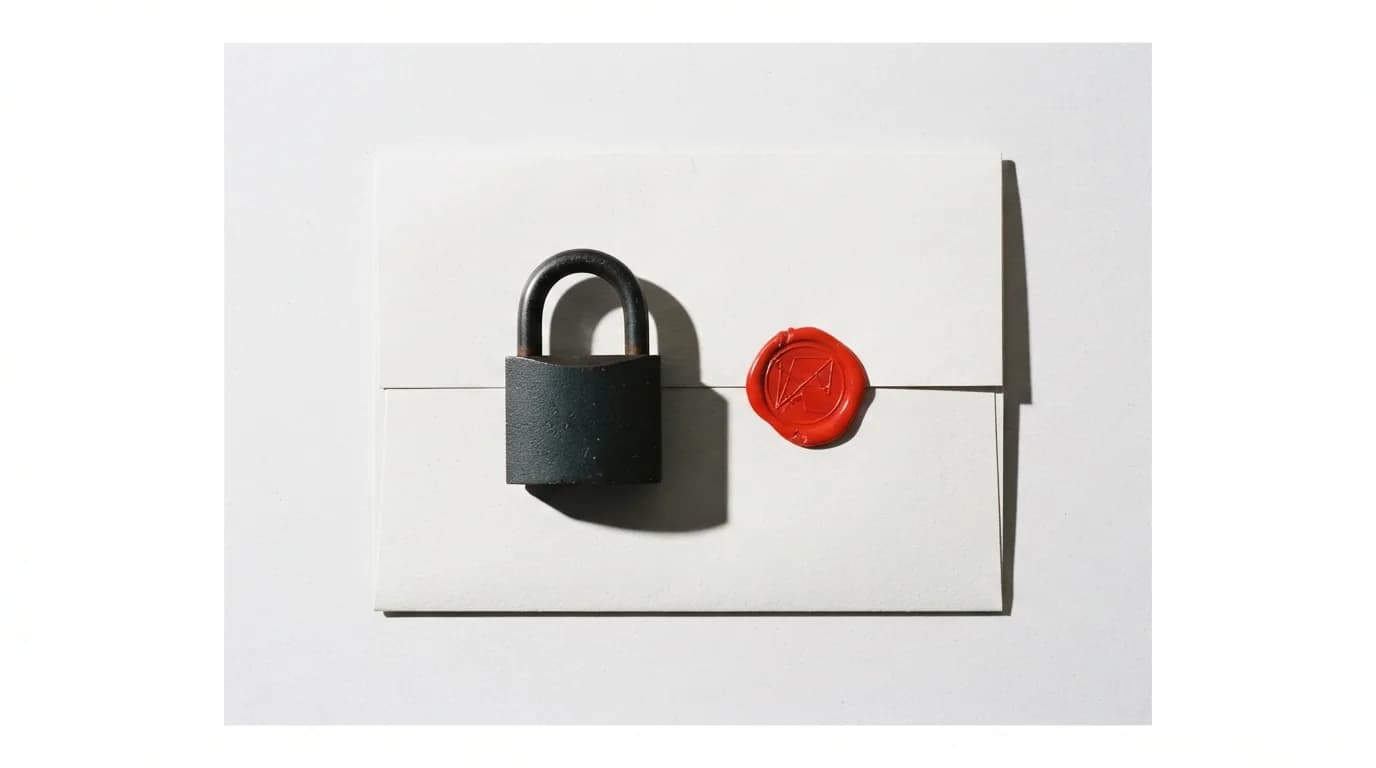
What people ask about security
Answers you can verify: data isolation, https, access rights and non-payment.
Create a site and look at how this works from the inside
3 days free, no card. Enough to open the admin panel, send yourself a test enquiry and see the padlock next to your own address. After that it runs from 12 800 ₸ a month, with SSL, updates and data isolation already inside.
- A your-name.shardit.app address is issued immediately, already over https
- Enquiries from the site reach your admin panel from the first minutes
- SSL, updates and your own database — in the plan from 12 800 ₸/month
- Nothing is charged before the trial ends
Read next
Neighbouring sections that answer the question this one raises.