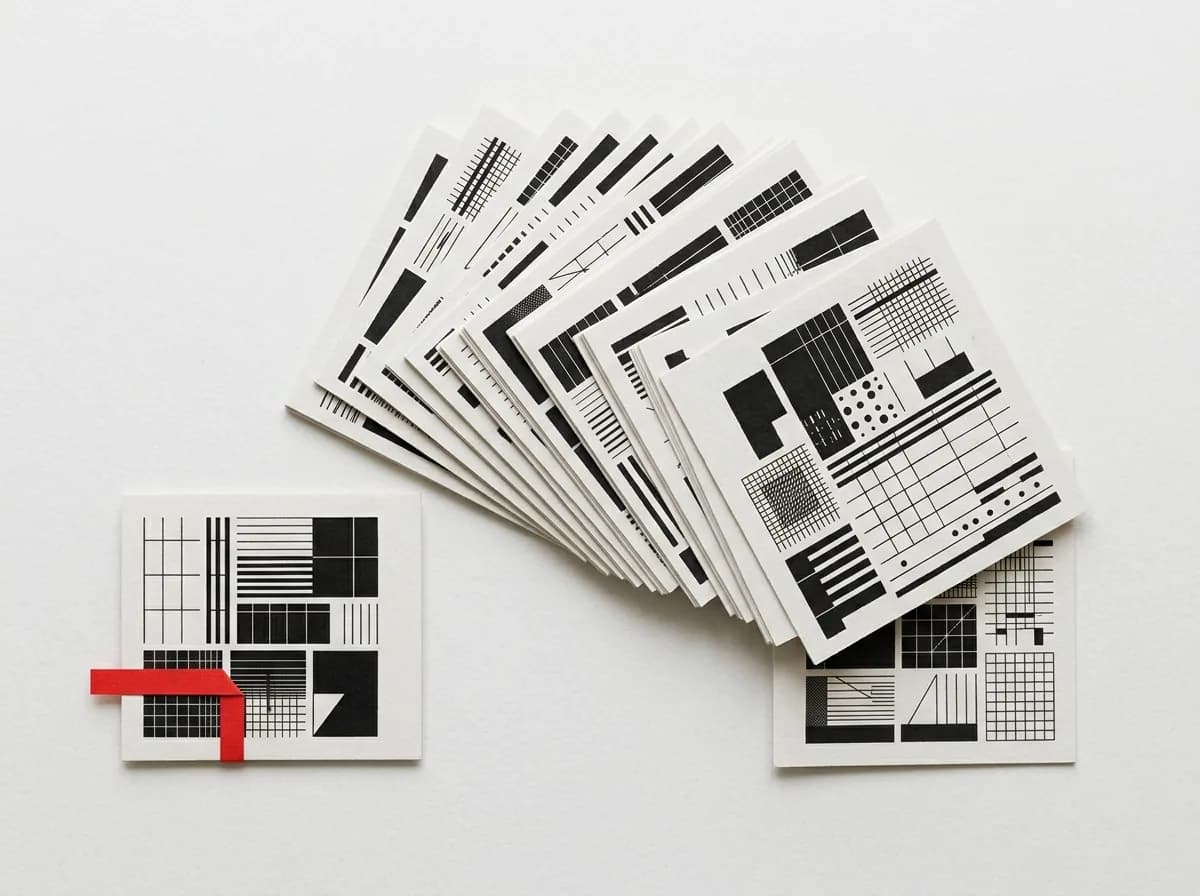
A template is not a picture.It is an assembled sitewritten for your trade.
The catalogue holds 26 ready-made sites built for specific trades — from dentistry and car servicing to a garden-plant shop. Each one arrives assembled: the sections are in order, the copy is about that trade, the catalogue is populated and the enquiry forms are wired up. From there you replace what is not yours, and if the look is wrong you switch design system — the content survives that.
26
themed sites in the catalogue
9
premium design systems, on plans from 27 800 ₸/month
3 days
trial without a card, address issued at once
Figures you can recount in the catalogue
26
themed sites
Dentistry, barbershop, car servicing, pizza, pharmacy, pet supplies, plants and garden — and nineteen more trades
35
kinds of section
The templates are built from them, and so are the pages you add later
9
premium design systems
Each sets its own typography, palette and the shape of every element — on the premium plans from 27 800 ₸/month
3
languages in every template
Russian, Kazakh and English, each with its own content
What you open once the template is up
The difference between a template and a mock-up is what the fields contain. Here they are filled in — with things that mean something for that trade, and in the form the admin panel can edit.
Copy written for the trade
Headlines, services, descriptions and answers — about dentistry or car servicing, not "Your headline here". Treat it as a draft: it shows what needs saying and where, and you replace it with your own wording. Starting from a finished structure is faster than starting from a page where you still have to decide how many blocks you need.
A populated catalogue
Services or products are already entered: names, descriptions, categories, photographs. They are edited as ordinary records, not as fragments of markup.
Forms in at least two places
Every one of the 26 sites ships with a real enquiry form, and more than one: near the top of the page and again towards the end. A submission creates a card on the kanban board.
Three languages, separate content
The Russian, Kazakh and English versions are filled in independently. This is not machine translation layered over Russian: you can edit the Kazakh version without touching the others, and the other way round.
The same sections as the builder
A template is assembled from the shared catalogue of 35 section kinds. Any of them can be removed, reordered or joined by another — there is no separate "template mode".
Media you can replace
The photographs live in your own site's storage. Swapping a demonstration image for your own is an ordinary admin-panel operation.
Trades a site is already built for
Twenty-six trades, gathered into five groups
A group decides structure rather than styling: a site where someone books a slot and a site with a catalogue storefront are built differently. If your trade is not listed, take the closest one structurally — the sections are shared anyway.
From picking a trade to the first enquiry
The order here is not decorative: each step is only possible once the previous one has happened. You cannot configure a site before it exists, and you cannot verify that enquiries arrive before your own copy is on the page.
You pick a trade in the catalogue
Every template has a preview, so the page structure and what fills it are visible before you register. Look at the list of sections rather than at the picture — that is what you actually receive.
A chosen template
The site comes up on a technical address
The moment the trial starts, the site has a working address, an admin panel and the template's full contents. No card is required and the trial runs for 3 days.
An address like your-name.shardit.app
You replace the demo content with your own
Copy, services, prices, photographs, contacts — through the section editor, or through the AI assistant in the admin panel (included in the subscription), which you can brief in plain words. The assistant shows the changes and waits for your approval.
Your content where the demonstration one was
You tune the look
Only now is it worth switching palette and styling: your headlines and your sentence lengths are already in the sections, so you can see how a choice behaves on real content instead of on the demonstration set. The premium design systems are available on the 27 800 and 32 800 ₸ a month plans.
A different look, the same content
You test the form and go live
Send a test enquiry from your own page and confirm that a card appeared on the kanban board naming the section it came from. Repeat submissions are not merged — the same person asking twice stays two cards.
An enquiry card on the board
A template you cannot put your own price list into is not a template — it is a promise to build the site later.
A handsome mock-up does not answer "how many blocks belong here and what goes in them"; it hands that question back to you. So all 26 sites arrive with copy in place — not so that you keep it, but so that there is something to edit and something to argue with.
Switch design system and the look changes, not the content
Styling and content live in different layers. The design system decides how things look; copy, prices, photographs and translations are not attached to it. That is why you can try as many looks as you like without rewriting anything. The nine premium design systems come with the premium plans — 27 800 and 32 800 ₸ a month.
Typography
Typeface pairings, heading sizes, line rhythm and how long passages of text behave.
Palette and contrast
The primary colour, section backgrounds, how dark and coloured rooms behave down the page.
Shape and edges
Radii, borders, shadows, the look of buttons and cards — what a site's character is made of.
Copy, prices, photos, translations
Content does not travel with the styling and is not lost in the switch. That is precisely why the look can be changed without fear.
What the template does for you, and what you add in the first hour
All the assembly work is already done — what remains is the part only you have: your copy, your photographs, your price list. Both columns fit into one evening, and the subscription starts at 12 800 ₸ a month.
The template gives you
All of it exists the moment the site comes up
- A fully assembled site, not a single placeholder section
- Trade-specific demo content as a draft — services, descriptions, answers
- Populated service sections with photographs, descriptions and prices
- A real enquiry form in at least two places on the page
- Russian, Kazakh and English versions with separate content
- A technical address at once and a 3-day trial with no card
- Access to the same 35 kinds of section it was assembled from
You add
Exactly the part only you know — and all of it is ordinary admin-panel fields
- Your own wording over the draft — field by field, no markup
- Your photographs of the premises, the work and the team, uploaded straight into the section
- Your price list: prices and descriptions are edited right in the sections
- Content from an old site — pasted into the same fields, nothing to convert
- Your own look: palette and styling switch without touching content — and the 9 premium design systems come with the premium plans, 27 800 and 32 800 ₸/month
- The AI assistant does all of it from a spoken brief — included in the subscription
- A bespoke layout turnkey — the INIT web studio, from 1 500 000 ₸
What people ask about the templates
The things people settle before starting: resemblance, trade, languages and price.
Bring a template up and look at it from the inside
The catalogue shows a preview, but the list of sections and how they are edited is only visible from the admin panel. A 3-day trial with no card is enough to replace the demo content with your own and go live. After that it runs from 12 800 ₸ a month, with all 26 templates.
- An address like your-name.shardit.app is issued immediately
- Any of the 26 templates is available from the first minutes
- Landing 12 800 ₸/month, corporate site 14 700 ₸/month
- Nothing is charged before the trial ends
Read next
Neighbouring sections that answer the question this one raises.